Example: Meet Vexis AI Editor
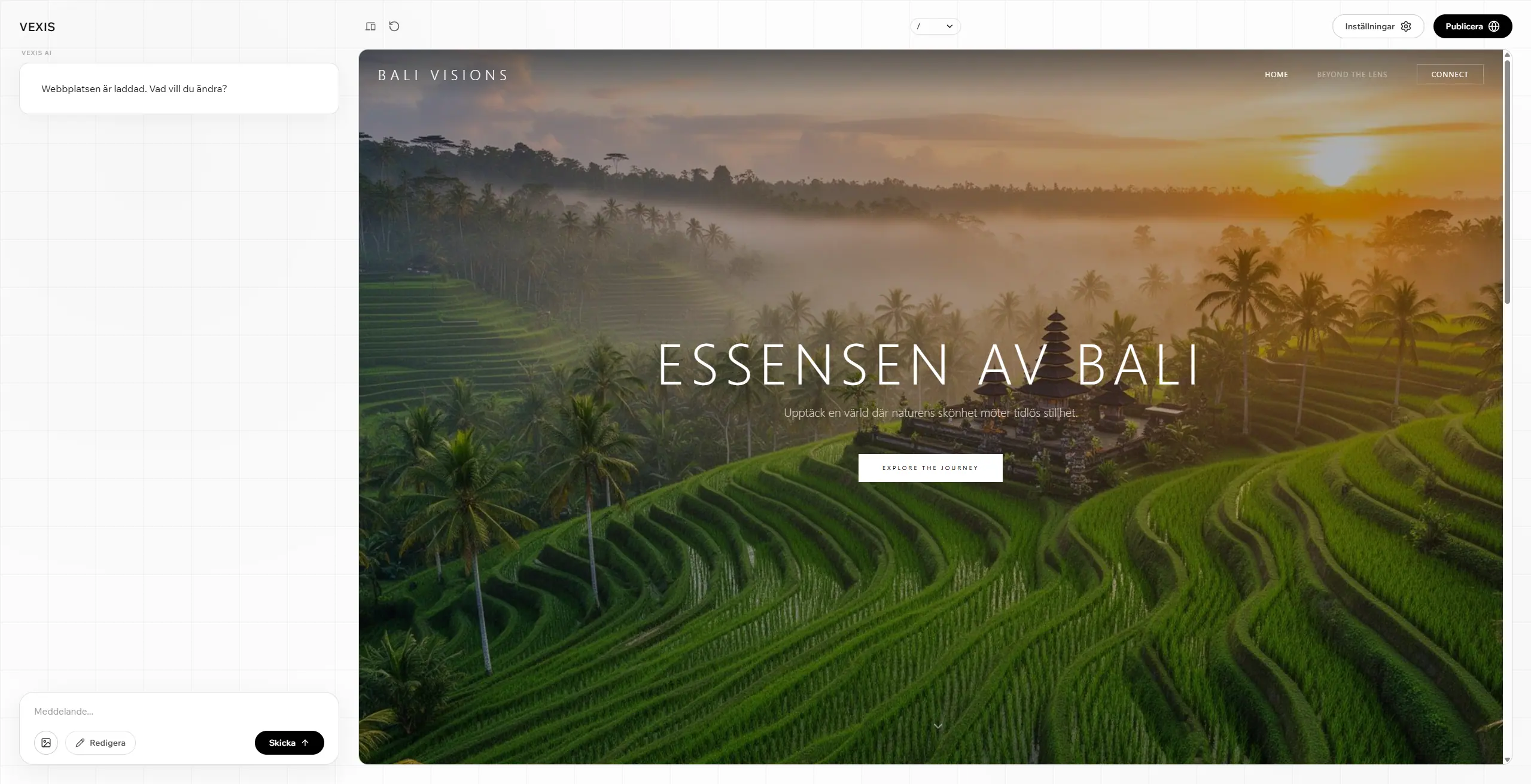
A brief introduction to Vexis AI Editor – describe what you want to change in plain text and the editor handles the rest.
Vexis AI Editor is a brand new way to build and update your website. Instead of clicking around in menus and panels, you simply describe what you want to change in plain text – and the editor does the work for you.
How it works
Write a short instruction in Swedish or English, for example, "make the hero headline larger" or "change the button color to dark green". The AI editor understands the context of the page, suggests a change, and previews the result directly in the editor before you publish.
What you can do
- Rewrite and improve texts, headlines, and buttons
- Change layout, typography, and colors
- Add new sections like FAQs, pricing, or contact pages
- Generate images and content directly in the editor
- Publish changes without touching a single line of code
Why it's different
Traditional CMS and website builders require you to learn the tool. With Vexis AI Editor, it's the opposite – the tool adapts to you. You retain full control over the design and can always review changes before they go live.
Getting started
Open the editor, describe what you want to change, and let the AI make an initial suggestion. You can always adjust, cancel, or ask for a new variant until the result feels completely right.